



Understanding CMS: Types and Comparison
Explore what a CMS is, the main types of content management systems, and a comparison of popular platforms like WordPress, Drupal, Shopify, and more to help you choose the right solution.
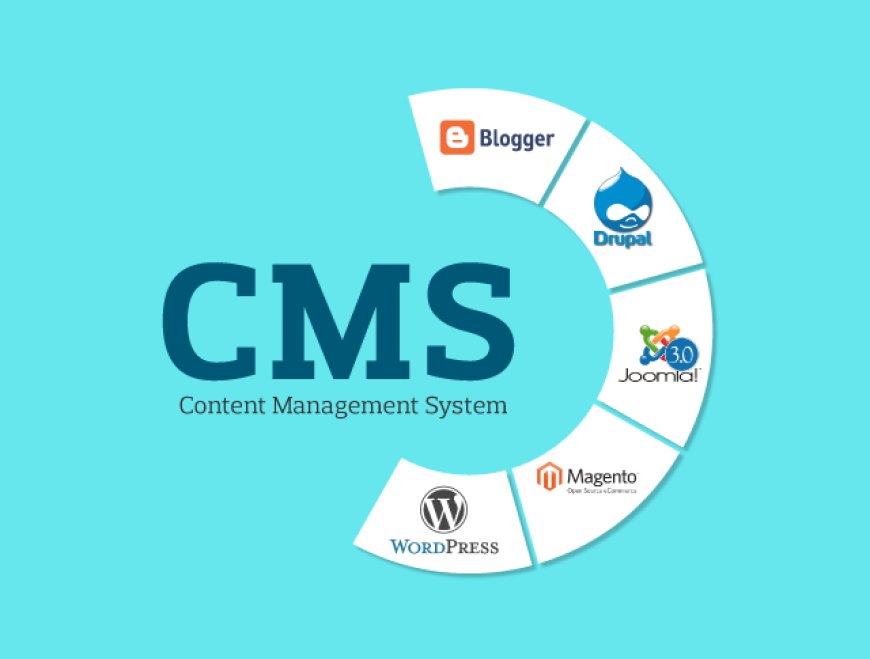
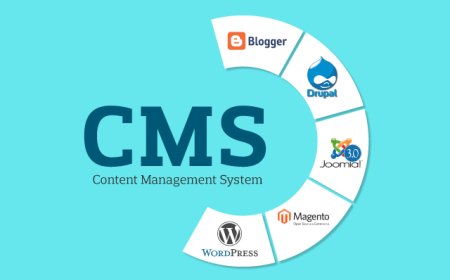
In the digital age, managing content efficiently is one of the biggest priorities for businesses, bloggers, and organizations. This is where a Content Management System (CMS) comes in. A CMS is software that allows users to create, manage, and publish digital content without needing advanced technical knowledge. It simplifies website management, supports collaboration, and provides tools to customize design and functionality.
What is a CMS?
A CMS provides a user-friendly interface where users can handle website content, media, and structure without directly editing code. Instead of writing HTML, CSS, or JavaScript manually, a CMS offers templates, drag-and-drop tools, and plugins. This makes it possible for non-developers to build and manage websites efficiently.
Types of CMS
There are several types of CMS, each serving different needs:
-
Traditional CMS (Monolithic CMS)
-
Example: WordPress, Joomla, Drupal
-
Content and front-end design are tightly connected.
-
Easy to use with themes and plugins.
-
Best suited for blogs, small to medium websites, and simple e-commerce stores.
-
-
Headless CMS
-
Example: Strapi, Contentful, Sanity
-
Content is managed in the backend and delivered via APIs.
-
The front-end is separated, allowing developers to use frameworks like React, Angular, or Vue.
-
Ideal for multi-platform delivery (web, mobile, IoT apps).
-
-
Decoupled CMS
-
Similar to headless CMS, but provides a built-in front-end while still offering API delivery.
-
Combines flexibility with some ease of use.
-
-
Enterprise CMS
-
Example: Adobe Experience Manager, Sitecore
-
Designed for large organizations needing advanced features like personalization, multi-language support, and deep integration with business tools.
-
Usually requires high investment and technical teams to manage.
-
-
E-commerce CMS
-
Example: Magento (Adobe Commerce), Shopify, WooCommerce (WordPress plugin)
-
Focused on product management, checkout, and payment integrations.
-
Tailored for businesses selling online.
-
Conclusion
Choosing the right CMS depends on your goals, budget, and technical expertise.
-
WordPress is best for beginners and small to medium businesses.
-
Drupal is excellent for large, complex, and secure websites.
-
Shopify and Magento are powerful choices for e-commerce.
-
Headless CMS like Contentful is perfect for developers who want to deliver content across multiple platforms.
In the end, there’s no single "best CMS" — the right choice depends on the project’s needs, team skills, and scalability requirements.
What's Your Reaction?
 Like
0
Like
0
 Dislike
0
Dislike
0
 Love
0
Love
0
 Funny
0
Funny
0
 Angry
0
Angry
0
 Sad
0
Sad
0
 Wow
0
Wow
0